
(1) Manual focus
The manual focus is to lift the Z-axis manually and determine whether the image is clearest by observation of human eyes.
(2) auto-focus(The auto-focus function is only used for CNC image measuring instruments)
The auto-focus function refers to automatically finding the clearest position of the image by the software. Steps are as follows:
Step 1: Move the local area of the measured workpiece to the software image area. When measuring the surface of the workpiece, you need to open the surface light, if you only want to measure the contour feature of the workpiece, you do not have to turn on the surface light, then move the Z-axis in to roughly focus the image clearly.
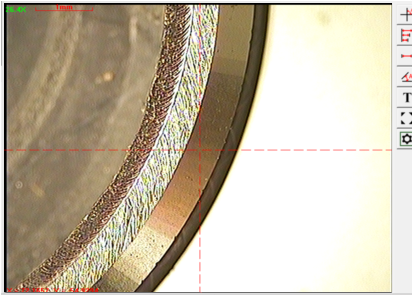
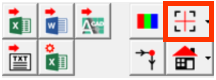
Step 2: Click the auto focus button,Then there will be a red focusing square in the image area. Move a section contour or a surface feature into the focusing square. (You can also hold down the left mouse button in the focusing square and drag the mouse to move the square to the location you want to focus on, or place the mouse cursor on the edge of the square and drag the mouse to change the square size.
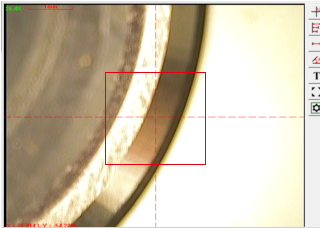
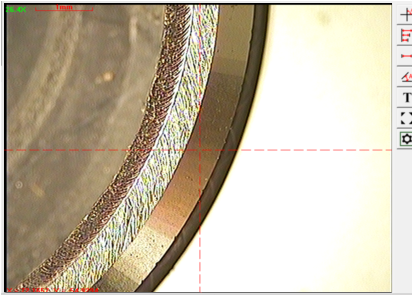
Step 3: Click the left mouse button outside the focus box, the software will control the machine automatically move the Z-axis, and eventually stay in the clearest position.
Name: Mikrosize
Mobile:0086-13918745376
Tel:0086-769-85331789
Email:mikrosize@188.com
Add:NO7 East Xingfa Road Wusha, Changan Town, Dongguan, China.
 Microsize
 Microsize