
You can get a picture of the workpiece (especially the large size workpiece) by the way of scanning or taking pictures, and make the pixels of the picture correspond to the coordinate points of the actual workpiece, then you can quickly locate the position of the workpiece by taking the picture as an image navigation, right-click at any point on the picture in the image navigation window, and select the "move here" menu option, the machine will automatically move this point of the workpiece image to the center of the image area.
The image navigation function is usually used for the large-size workpieces and the workpieces with a lot of similar features.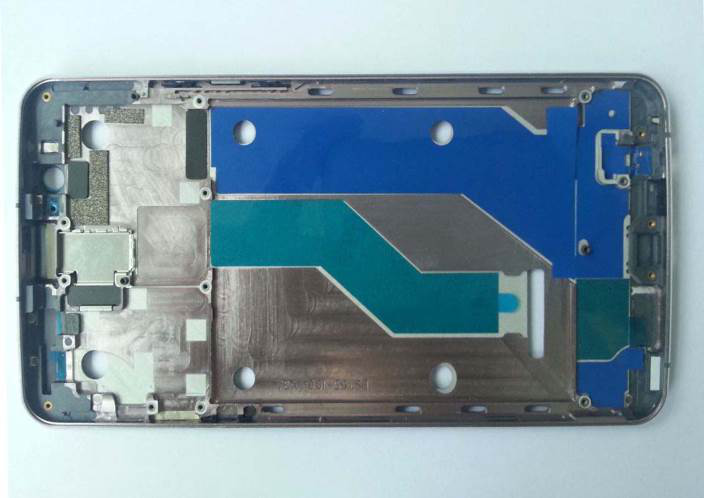
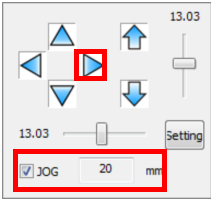
Step 1: Select the jog checkbox and enter the jog distance in the motion control panel.
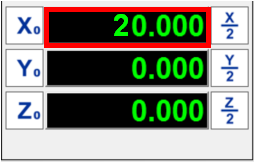
Step 2: Click the arrow of the axis that you want to move, and the machine will move
the jog distance in the direction of this axis.
Name: Mikrosize
Mobile:0086-13918745376
Tel:0086-769-85331789
Email:mikrosize@188.com
Add:NO7 East Xingfa Road Wusha, Changan Town, Dongguan, China.
 Microsize
 Microsize