
The scanning function is to generate point clouds by scanning the workpiece image contour. It can be used for reverse engineering. There are 3 methods described as follows:
Method 1: If the image size of the workpiece is small, it can be imaged entirely inside the image area, the scanning steps are as follows:
Step 1: Click the“scan” button on graphics area toolbar. In order to reduce the miscellaneous points, it is recommended to turn off the surface light before scanning and illuminate with the contour light.

Step 2: Double-click in the image area to get the workpiece contour of the point clouds, and right-click in the graphics area and select the“save data”menu option to save the contour as a dxf format document.
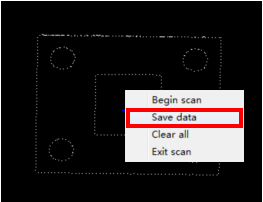
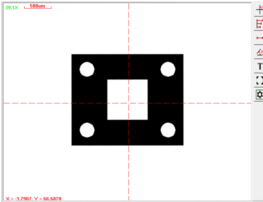
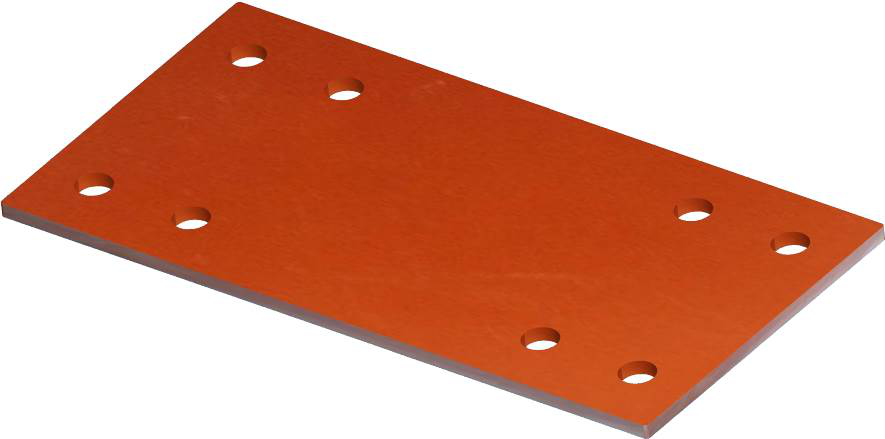
Method 2: If the image size of the workpiece is larger than the image area. it can not be imaged entirely inside the image area. Take the following workpiece as an example, the scanning steps are as follows:
Name: Mikrosize
Mobile:0086-13918745376
Tel:0086-769-85331789
Email:mikrosize@188.com
Add:NO7 East Xingfa Road Wusha, Changan Town, Dongguan, China.
 Microsize
 Microsize