
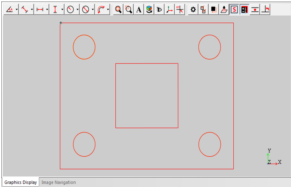
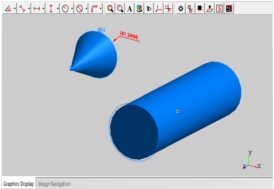
① The graphics area displays the element graphics that have been measured, or the elements generated by the method of constructing or presetting.
② The graphics area can display the 2D and 3D graphics. The software supports the DXF format document importing and exporting, and support the IGS format 3D document exporting. The exporting of the CAD drawing can also be used for reverse engineering.
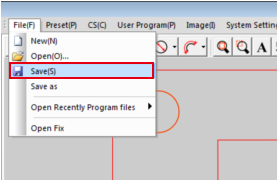
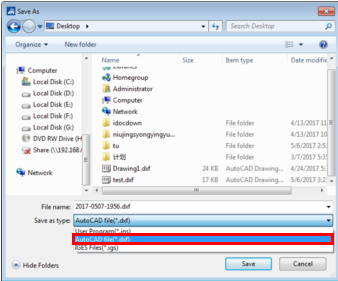
CAD drawing exporting: Select "File àSave" in the main menu, and select the dxf or igs format documents in the pop-up dialog box, Click the Ok button to complete the CAD drawing exporting ,You can also directly click the CAD export button on the Export toolbar to copmlete the operation.
CAD importing: Select "Fileà Open" in the main menu to import the dxf format document.
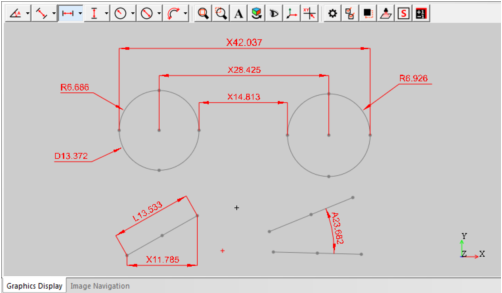
(2) element dimensions
The dimension toolbar is shown below:
Name: Mikrosize
Mobile:0086-13918745376
Tel:0086-769-85331789
Email:mikrosize@188.com
Add:NO7 East Xingfa Road Wusha, Changan Town, Dongguan, China.
 Microsize
 Microsize