
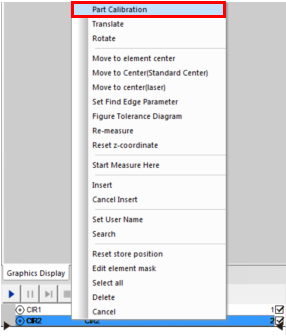
Step 3: Right-click any elemen of image measuring machinet in the element list area. Select the "part calibration" menu option, and then click the “OK” button in the pop-up dialog box.
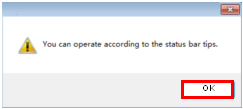
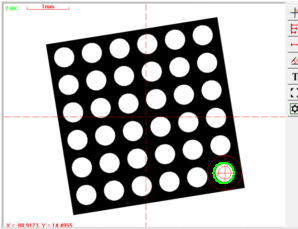
Step 4: According to the image measuring machine of the status bar in the lower left corner of the software interface, select the first element in the graphics area as shown below. Click the OK button in the pop-up dialog box. Then according to the prompt of the status bar, extract the first corresponding circle in the image area.
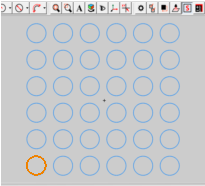
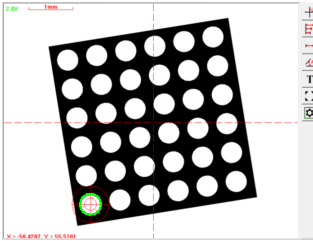
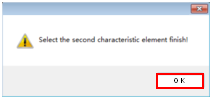
Step 5: According to the prompt of the status bar in the lower left corner of the software interface, select the second element in the graphics area as shown below. Click the OK button in the pop-up dialog box. Then according to the prompt of the status bar, extract the second corresponding circle in the image area.



Name: Mikrosize
Mobile:0086-13918745376
Tel:0086-769-85331789
Email:mikrosize@188.com
Add:NO7 East Xingfa Road Wusha, Changan Town, Dongguan, China.
 Microsize
 Microsize